
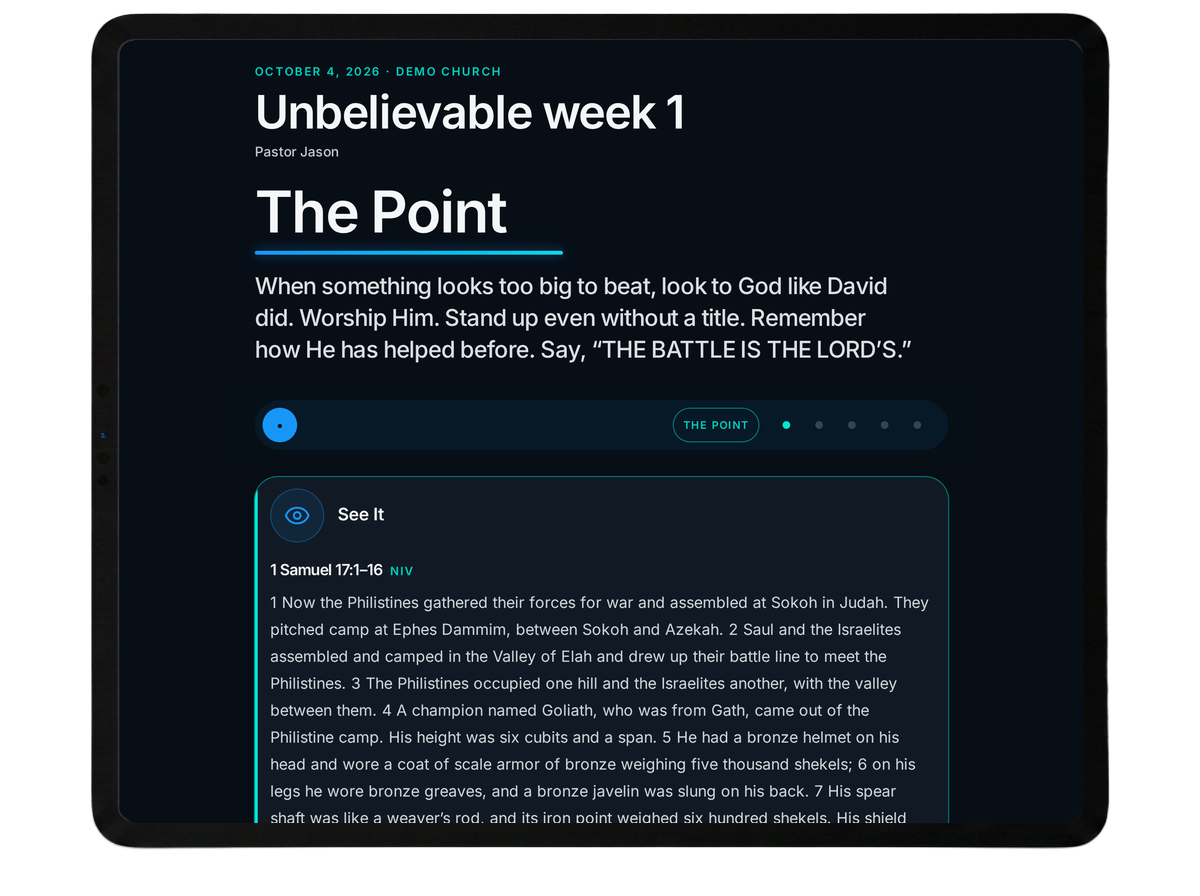
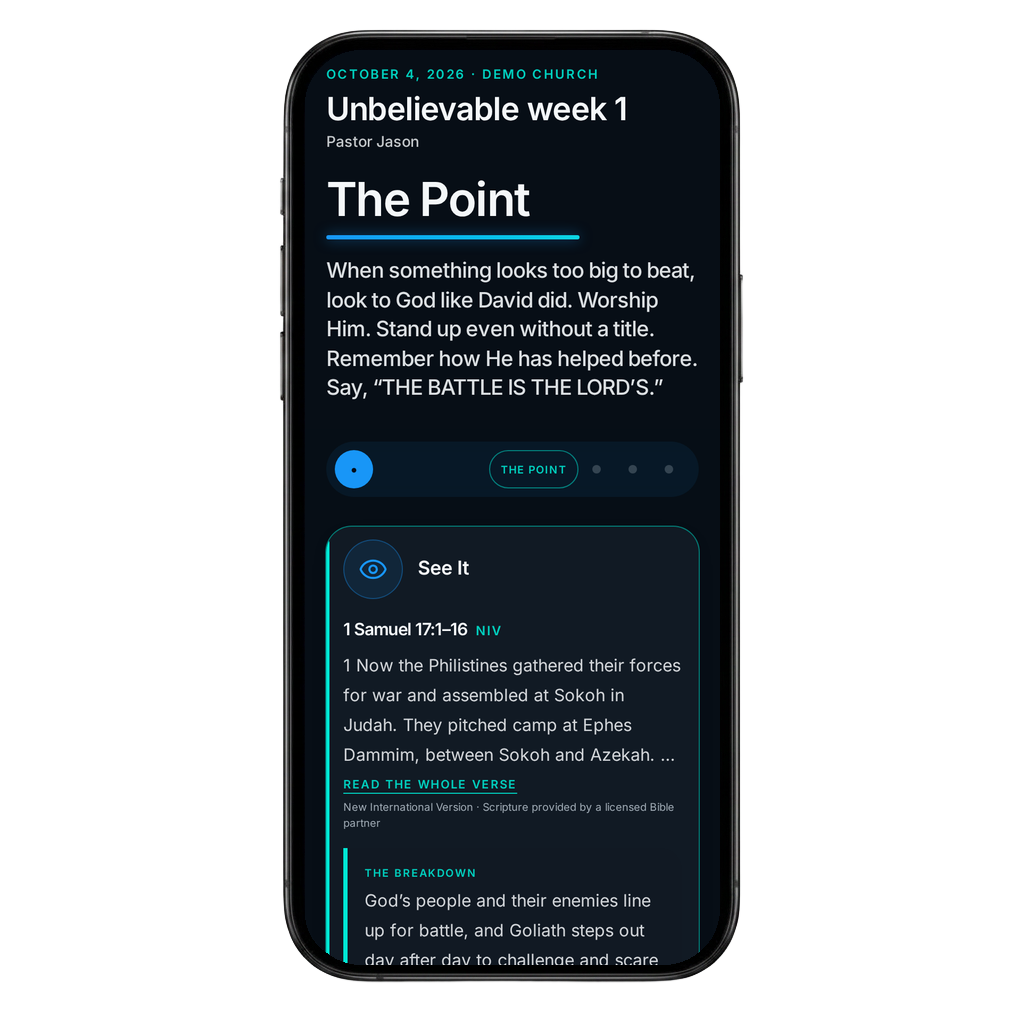
Same message. Built for you.
Follow your pastor's message with a guided experience that helps you understand what it means and what to do with it.
What it helps you do.
Follow along point by point
Stay with the message from beginning to end.
Understand what matters
See the main ideas, Scripture and key words more clearly.
Make it personal
Reflect on what the message means for your life.
Live it out
Take what you heard on Sunday into school, home, friendships and the rest of your week.
Questions that connect
Think deeper about what you heard and what it means for you.
Why SlingStone?
David picked up five stones (1 Samuel 17).
SlingStone gives you five ways to follow the message:
Finish the message. Follow Jesus.
Monday–Friday
The message doesn't end when Sunday is over.
Five short devotions, Monday through Friday, keep your pastor's Sunday teaching going all week, in the Original or the Student Companion. Each day takes one part of the message: go deeper into what it means, answer one honest question, and take one small step toward living it out at school, at home and with friends.
See how it works.
Follow the message point by point, take notes, answer questions and see how Sunday's truth connects to your life.
- 1
Get your church code
Ask a leader, scan a QR code, or use a link from your church.
- 2
Pick this week’s sermon
Choose from the latest sermons your church has published.
- 3
Follow every point on your device
Read, check off points, and answer reflection questions.
Ready to follow this Sunday's message?
Understand it. Remember it. Live it.